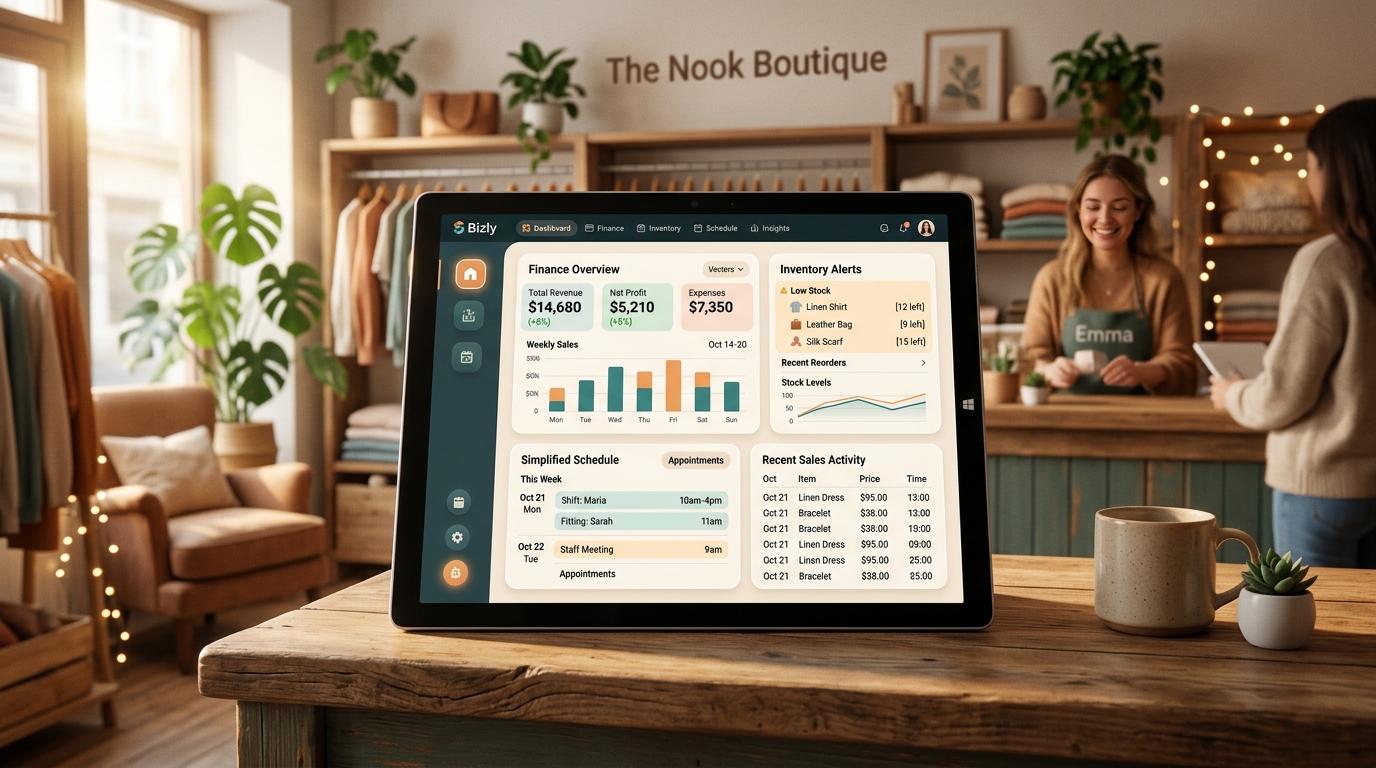
The best AI software for managing small business operations depends on where the biggest bottleneck is. For customer conversations, AI chatbots and voice agents handle inquiries and bookings around the clock. For repetitive back-office work, workflow automation platforms connect your existing tools and remove manual data entry. For finances, AI-enhanced accounting software categorizes transactions automatically. For sellers on Amazon, Etsy, Walmart, or eBay, AI listing and inventory tools save hours every week. Most small businesses see the best results by combining two or three of these tools rather than betting everything on a single all-in-one platform.
Running a small business today means juggling customer messages, scheduling, inventory, bookkeeping, and marketing, often with a team of just a few people. AI software has moved from a “nice to have” to a practical way to close that gap, automating the repetitive work so owners and staff can focus on decisions that actually need a human.
This guide breaks down the main categories of AI operations software, what each one is actually good at, how to evaluate options without getting locked into the wrong tool, and where a custom-built solution outperforms an off-the-shelf app.
AI operations software refers to tools that use machine learning or large language models to handle tasks that previously required manual effort: answering customer questions, routing phone calls, updating spreadsheets, reconciling invoices, writing product listings, or flagging low inventory. Unlike traditional software that only stores and displays data, AI-driven tools can interpret requests, make decisions within set rules, and take action, such as replying to a customer, updating a CRM record, or triggering a reorder.
These tools generally fall into two categories:
Small business interest in AI tools has grown steadily as generative AI has become cheaper to access and easier to integrate without a dedicated IT department. Owners are motivated less by the novelty of AI and more by concrete, familiar pain points: not enough staff to answer every call, hours lost to manual data entry, and rising customer expectations for instant responses.
AI chatbots handle website inquiries, FAQs, order status questions, and basic troubleshooting without a human on the other end. Well-built ones understand context across a conversation rather than just matching keywords, and they escalate to a human when a request falls outside their scope. High Dreams LLC builds custom AI chatbots trained on a business’s own product catalog, policies, and tone of voice, rather than a generic script.
Voice AI agents answer inbound calls, book and reschedule appointments, and qualify leads before they ever reach a staff member’s desk. This matters most for businesses where a missed call is a missed sale: contractors, clinics, salons, and restaurants. See how AI voice agents are built and deployed for real call-handling scenarios.
Workflow automation connects the tools a business already uses so information moves between them without manual copy-pasting: a new order automatically creates an invoice, updates inventory, and notifies the fulfillment team. General-purpose platforms like Zapier and Make cover simple, linear automations well. For more complex, multi-step logic that needs to reason about context (not just move data from A to B), a purpose-built AI workflow agent tends to outperform no-code automation chains.
Modern accounting platforms such as QuickBooks and Xero now use AI to auto-categorize transactions, flag anomalies, and draft financial summaries. These are worth adopting even for a solo business owner, since manual categorization is one of the most time-consuming recurring tasks in bookkeeping.
Sellers on Amazon, Etsy, Walmart, and eBay increasingly rely on AI for listing optimization, repricing, demand forecasting, and review analysis. This is a fast-moving space where the right stack depends heavily on which marketplaces a seller is active on and how much inventory they manage. High Dreams LLC’s e-commerce management services cover multi-marketplace operations across all four platforms.
Platforms like HubSpot and Salesforce now build AI directly into the CRM to draft follow-up emails, score leads, and summarize call notes. For small teams without a dedicated sales operations person, this can meaningfully cut the administrative half of selling.
| Operational Need | Example Tools | Best Fit For | Typical Setup |
|---|---|---|---|
| Customer chat support | Custom AI chatbot, Intercom Fin, Zendesk AI | High inquiry volume, repetitive FAQs | Days to weeks (custom-trained) |
| Phone calls & bookings | Custom AI voice agent | Missed-call-sensitive businesses (clinics, contractors, restaurants) | 1–3 weeks |
| Cross-tool automation | Zapier, Make, custom AI workflow agent | Multi-step, multi-app processes | Hours (no-code) to weeks (custom) |
| Bookkeeping & finance | QuickBooks, Xero | Any business tracking income and expenses | Same-day |
| E-commerce operations | Marketplace-native AI tools, managed e-commerce service | Amazon, Etsy, Walmart, eBay sellers | Ongoing management |
Off-the-shelf AI tools solve generic problems well. Where they fall short is fitting a specific business’s workflows, tone, and edge cases. High Dreams LLC, a Colorado-based AI and digital growth agency, builds custom AI chatbots, voice agents, and workflow automations designed around how a specific business actually operates, along with web, app, and e-commerce management across Amazon, Walmart, Etsy, and eBay. Instead of adapting your business to fit a template, the system is built to fit the business.
Talk to High Dreams LLC about which AI tools actually fit your operations — no generic templates, just a system built around how your business runs.
Get Started View Our ServicesStart with whichever tool addresses your single biggest time sink — often an AI chatbot for repetitive customer questions or a workflow automation tool to eliminate manual data entry between two systems you already use.
Costs range widely. No-code automation tools and entry-level chatbot plans can start at a low monthly cost, while custom-built voice agents or workflow systems involve a higher upfront investment in exchange for a solution built around your exact process. Get current pricing directly from vendors, since it changes frequently.
Generally no — it’s better understood as removing repetitive tasks so existing staff can focus on higher-value work, sales conversations, and problems that genuinely need human judgment.
Off-the-shelf tools like accounting AI or no-code automations can be running within a day. Custom chatbots and voice agents typically take one to three weeks to train, test, and refine before full deployment.
Most modern platforms are built for non-technical users, though custom AI agents are usually built and configured by a developer or agency, then handed off with a simple interface for day-to-day use.
It depends on the vendor. Ask directly whether your data is used to train external models, where it’s stored, and what compliance standards apply — this matters even more for healthcare, legal, or financial businesses.