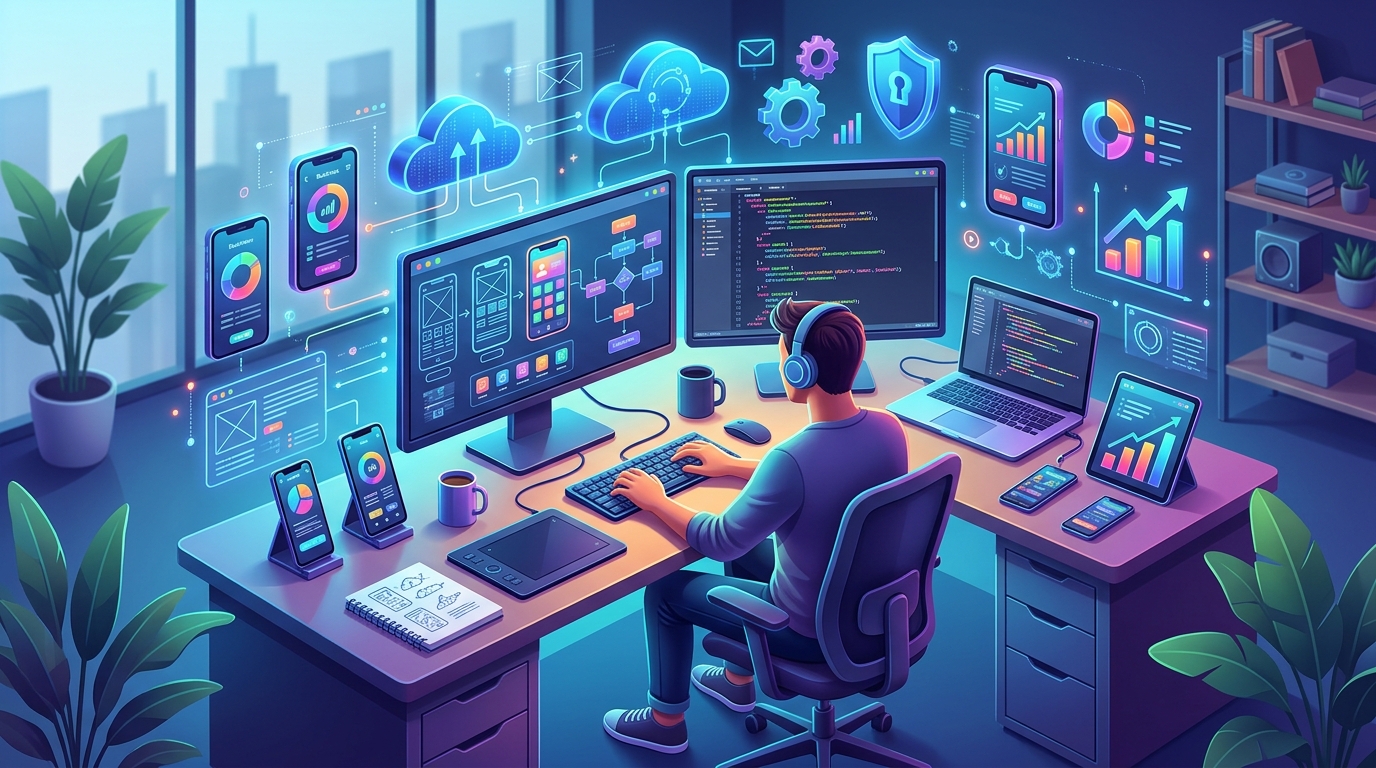
Almost every business now needs some kind of software: a customer app, a booking tool, an internal dashboard or a store that works well on a phone. Yet app development can feel confusing, with unfamiliar terms, big price differences and many choices. This guide walks through app development in plain language, from picking an app type to launching, securing and maintaining it.
App development is the process of planning, designing, building, testing, launching and maintaining software applications for phones, tablets, browsers or computers. A typical project moves through discovery, design, development, testing, launch and ongoing updates. Cost and timeline depend mainly on features, platforms, integrations and security needs, so the best way to start is with a clear goal and a small first version.
App development covers everything required to turn an idea into working software that people can use. That includes research, design, coding, testing, release and long-term support.
For businesses, app development can open new revenue channels, improve customer loyalty, streamline operations and collect useful data. However, an app is not always the right answer. Sometimes a well-built website, a chatbot or an automation does the job faster and for less money.
“A great app solves one problem clearly. A great app development plan starts by naming that problem.”
The first big decision in app development is the type of app. Each approach has trade-offs.
| Approach | What it is | Strengths | Trade-offs |
|---|---|---|---|
| Native | Built separately for iOS or Android | Best performance and device access | Higher effort if you need both platforms |
| Cross-platform | One codebase for iOS and Android | Faster, shared effort across platforms | Some limits on advanced device features |
| Web app | Runs in a browser | No store approval, easy updates, works everywhere | Less device integration, not in app stores |
| Progressive web app (PWA) | A website with app-like features | One build, installable, lower cost | Feature support varies by device and browser |
| No-code / low-code | Built with visual tools | Quick prototypes and simple tools | Limits on scale, customization and ownership |
Features and platform capabilities change often. Verify current limits before you commit to an approach.
Every team works a little differently, but most successful projects follow similar stages.
An MVP includes only the features needed to solve the core problem. It reduces cost and risk, gets real feedback sooner and helps you avoid building features nobody wants. You can always add more after launch.
Technology matters, but it should follow your goals. Here is a plain-language overview.
Technology trends shift quickly, so ask your team why they recommend a particular stack and how easy it will be to maintain and hire for in the future.
There is no single price tag. Quotes vary widely because projects vary widely. Rather than relying on generic ranges, understand the cost drivers.
| Cost driver | Why it matters |
|---|---|
| Features and complexity | More features mean more design, build and testing |
| Platforms | iOS, Android, web or all three |
| Design effort | Custom interfaces and animations take longer |
| Integrations | Payments, CRM, ERP and third-party services add work |
| Security and compliance | Sensitive data requires stronger controls and reviews |
| Team model | In-house, agency or freelancer affects price and control |
| Maintenance | Updates, bug fixes, hosting and support continue after launch |
Ask every vendor for an itemized estimate based on the same written scope. That makes quotes comparable and reveals what is included.
Good development practice treats security and privacy as part of the design, not an afterthought.
Store rules and privacy laws change often. This is general information, not legal advice. Consult a qualified professional about your obligations.
AI is changing both how apps are built and what they can do. Developers use AI tools to speed up coding and testing, and many apps now include AI features directly.
Add AI only where it solves a real user problem, and plan for accuracy checks, human handoff and data protection.
Many businesses should start with a strong website. It is usually faster to launch, easier to find through search and cheaper to maintain. An app makes more sense when you need device features such as push notifications or camera access, frequent repeat engagement, offline use or a more personal experience.
If you are unsure, begin with a fast, well-built site from our website and app development services, then add an app once demand is clear.
HighDreamsLLC is a Colorado-based AI and digital growth agency. We provide web and app development, build AI chatbots, voice agents and workflow automation, and manage e-commerce across Amazon, Walmart, Etsy and eBay. If you are considering app development, we can help you define the right first version, choose the approach and build with AI features where they add real value.
It is the process of planning, designing, building, testing, launching and maintaining software applications for mobile devices, the web or desktop computers, so people can use a service or complete tasks.
The main approaches are native apps built for a single platform such as iOS or Android, cross-platform apps built from one codebase, web apps that run in a browser, and progressive web apps that add app-like features to a website.
It depends on scope, features, integrations, design complexity and testing. A focused first version can take a few months, while larger products take longer. Planning a minimum viable product helps you launch sooner.
Cost depends on the number of features, platforms, design effort, integrations, security needs, team model and ongoing maintenance. Request itemized quotes for a clearly defined scope and compare what is included.
A website is often the fastest way to reach customers and rank in search. An app makes sense when you need device features, frequent engagement, offline use or a smoother repeat experience. Many businesses start with a strong website and add an app later.
Successful app development is less about code and more about clarity: a real problem, a defined audience and a small first version that proves the idea. Choose the approach that fits your goals, plan for security and store rules, and treat launch as the start of an improvement cycle. With a careful plan and the right partner, an app can become a durable part of your business.
Sources and further reading: Apple App Store Review Guidelines, Google Play Console, OWASP Mobile Top 10. Platform rules, frameworks and regulations change often; verify current details with the original sources.