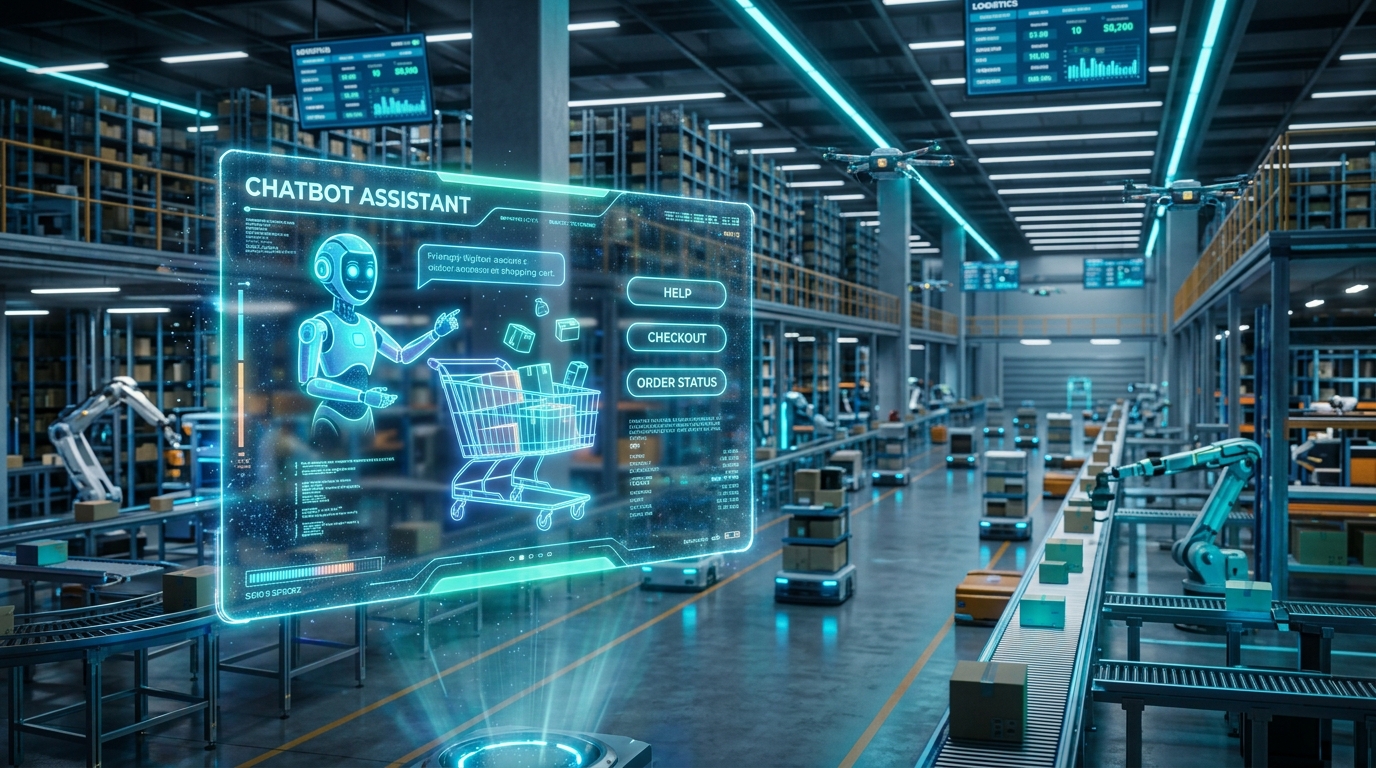
Online shoppers expect quick answers at any hour: Where is my order? Does this come in my size? Can I return it? An ecommerce chatbot can answer those questions instantly, but only if it is set up around real customer needs and connected to the right data. This guide covers the most valuable use cases, a practical setup process, and the mistakes to avoid.
An ecommerce chatbot is an automated assistant that talks with shoppers on your website, app or messaging channels. The best use cases are order tracking, product questions and recommendations, returns and exchanges, and policy FAQs. To set one up, define your goals, gather your top customer questions, load your catalog and policies, connect it to your store and order systems, add a clear path to a human agent, test it, launch on one channel, and measure results.
An ecommerce chatbot is software that converses with shoppers to answer questions and complete simple tasks. Older chatbots followed fixed scripts and buttons. Newer ones use AI language models to understand free-form questions, then pull answers from your product catalog, policies and order data. A well-built AI chatbot can feel like a knowledgeable store associate that is available at all hours.
“The best ecommerce chatbot is not the cleverest one. It is the one that answers the question the shopper actually has.”
This is often the most common support question in online retail, and one of the easiest to automate. The chatbot looks up an order using an order number and email, then shares the status and tracking link.
Shoppers ask about sizing, materials, compatibility and differences between items. A chatbot connected to your catalog can answer these and suggest suitable products based on what the shopper describes.
The chatbot explains the return policy, checks eligibility, starts a return request and sets expectations on timing, then hands off edge cases to a person.
Delivery times, shipping costs, accepted payment methods and warranty details are repetitive questions that a chatbot can answer consistently.
A chatbot can answer last-minute questions that block a purchase, such as delivery dates or discount codes. For reminders sent through channels like SMS or email, make sure you have proper consent and follow applicable marketing rules.
Chatbots can ask a few quick questions to understand what a visitor needs, then collect an email address for follow-up, always with clear consent.
A chatbot keeps your store helpful overnight and on weekends, and can support multiple languages if you configure and test them properly.
After delivery, the chatbot can check in, offer setup help, and invite a review at the right moment.
| Use case | What the bot does | Needs access to | Metric to track |
|---|---|---|---|
| Order tracking | Looks up status and shares tracking | Order system, shipping carriers | Resolution rate |
| Product Q&A | Answers and recommends | Product catalog, attributes | Chat-to-purchase rate |
| Returns | Checks eligibility, starts return | Order history, returns tool | Ticket deflection |
| Policy FAQs | Answers shipping and payment questions | Knowledge base | Answer accuracy |
| Lead capture | Qualifies and collects contact info with consent | CRM, email platform | Leads captured |
| Approach | Best for | Trade-offs |
|---|---|---|
| Off-the-shelf platform | Small stores with standard needs | Quick to start; limited customization and integrations |
| Custom AI chatbot | Stores with unique catalogs, systems or brand voice | More tailored and flexible; needs more planning and upfront work |
| Hybrid (platform plus custom integrations) | Growing stores wanting speed and control | Balanced cost; requires clear ownership of the setup |
Costs and features vary widely by provider, so compare current offers before deciding.
This is general information, not legal advice.
HighDreamsLLC is a Colorado-based AI and digital growth agency. We develop AI chatbots and voice agents, automate workflows, build websites and apps, and manage e-commerce across Amazon, Walmart, Etsy and eBay. We can help you choose the right use cases, connect your store data and launch a chatbot that supports your customers and your team.
An ecommerce chatbot is software that chats with online shoppers by text or voice to answer product questions, recommend items, track orders, handle returns and guide customers toward checkout. Modern versions use AI to understand natural language and connect to your store data.
Common high-value use cases include order tracking, product questions and recommendations, returns and exchanges, shipping and policy FAQs, lead capture, and after-hours support. These are frequent, repetitive questions that a chatbot can answer quickly using store data.
Define your goals, list the most common customer questions, choose a platform or custom build, load your catalog and policies, connect it to your store and order systems, design a human handoff, test thoroughly, launch on one channel, and then measure and improve.
Marketplaces control their own messaging systems and have rules about customer communication, so you generally cannot embed your own chatbot on a marketplace listing. Chatbots usually run on your own website, app or messaging channels. Always review each marketplace’s messaging policies.
Usually it supports the team rather than replacing it. A chatbot handles repetitive questions and hands complex, sensitive or high-value conversations to a human, giving agents more time for the work that needs judgment.
A good ecommerce chatbot removes friction: it answers common questions fast, helps shoppers choose, and frees your team for harder conversations. Start with your most frequent questions, connect the data the bot needs, keep a human option open, and expand only after you have measured results. The stores that treat a chatbot as an ongoing service improvement, rather than a one-time install, get the most from it.
Sources and further reading: PCI Security Standards Council, Federal Trade Commission. Platform features, pricing and regulations change often; verify details with the original providers.