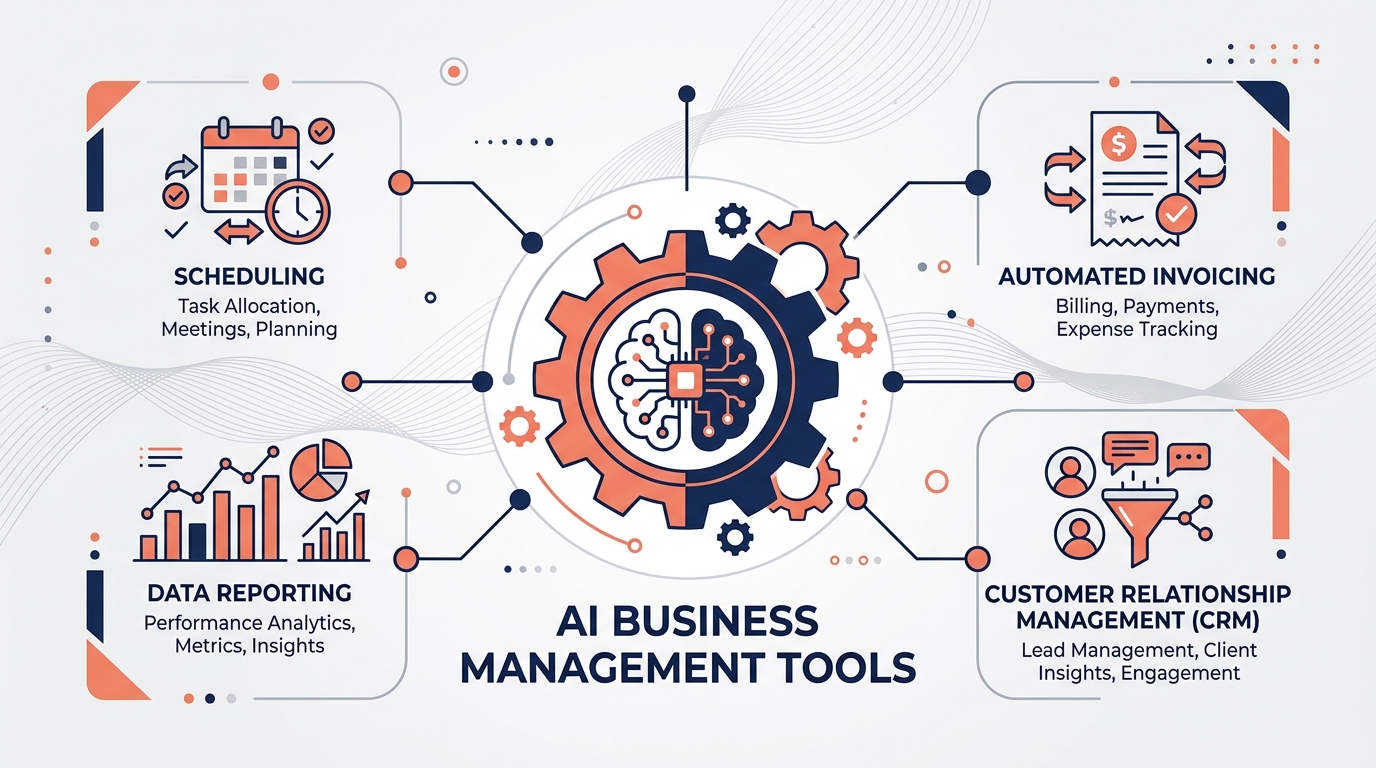
Small business owners don’t have a dedicated IT department to evaluate every new AI tool that launches — but the right software can quietly take over hours of bookkeeping, scheduling, customer replies, and admin work every week. This guide walks through the categories of AI software that actually move the needle on day-to-day operations, what to look for before buying, and where off-the-shelf tools reach their limit.
Quick answer: The best AI software for small business operations depends on the bottleneck you’re trying to fix. AI-enhanced accounting tools (QuickBooks, Xero) save time on bookkeeping, AI CRMs (HubSpot, Zoho, Salesforce) automate sales follow-up, AI project tools (Asana, ClickUp, Monday.com) keep teams organized, and AI workflow platforms (Zapier, Make) connect everything together. Most small businesses see the best ROI by combining two or three focused tools rather than one all-in-one platform.
Tools like QuickBooks and Xero now include AI features for auto-categorizing transactions, flagging anomalies, and generating cash-flow forecasts. These reduce the manual reconciliation work that typically falls on an owner or a part-time bookkeeper.
Platforms such as HubSpot, Zoho CRM, and Salesforce use AI to score leads, draft follow-up emails, and summarize call notes, helping small sales teams follow up faster without adding headcount.
Asana, ClickUp, Monday.com, and Notion have added AI assistants that can turn meeting notes into tasks, summarize project status, and draft updates — useful for keeping small, cross-functional teams aligned without extra status meetings.
AI chat and helpdesk tools (including platforms like Intercom and Zendesk, or a custom-built chatbot) can answer common questions instantly and escalate anything complex to a human — extending support hours without adding staff.
Scheduling assistants and AI meeting-note tools (such as Calendly and Otter.ai) cut down the back-and-forth of booking calls and the time spent writing up notes afterward.
AI writing and content tools help small teams produce more marketing material — social posts, product descriptions, email campaigns — without a dedicated content team, though output should always be reviewed for accuracy and brand voice before publishing.
Tools like Zapier and Make connect the other categories together — for example, automatically creating a CRM contact and a project task the moment a new lead fills out a form.
| Category | Best For | Example Tools | Watch Out For |
|---|---|---|---|
| Accounting & bookkeeping | Reducing manual reconciliation | QuickBooks, Xero | AI categorization still needs periodic human review |
| CRM & sales | Faster lead follow-up | HubSpot, Zoho, Salesforce | Draft messages should be reviewed, not auto-sent, early on |
| Project management | Team alignment and status tracking | Asana, ClickUp, Monday.com | Can become another tool to check if not integrated with existing workflow |
| Customer support | Instant answers, extended coverage hours | Intercom, Zendesk, custom chatbot | Needs clear escalation path to a human for complex issues |
| Workflow automation | Connecting tools together | Zapier, Make | Complex multi-step automations are easier to build custom than to force into a template |
Pricing and specific feature sets change frequently — confirm current plans directly with each vendor before purchasing.
The clearest ROI from AI operations software tends to show up in three places: fewer hours spent on repetitive admin work, faster response times to customers and leads, and fewer errors in processes like invoicing or order handling. For most small businesses, the highest-leverage move isn’t buying more software — it’s connecting the tools already in place so information flows between them automatically.
High Dreams LLC helps small businesses go beyond off-the-shelf AI tools with custom chatbots, voice agents, and workflow automation built around how the business actually operates — connecting the platforms already in use rather than replacing them. We also manage e-commerce operations across Amazon, Walmart, Etsy, and eBay for sellers who want the automation and the execution handled together.
Start with one tool that solves your biggest time drain — often AI-enhanced accounting or a CRM with built-in follow-up automation — rather than adopting several tools at once.
Most major platforms offer small-business or starter tiers, and many AI features are add-ons to tools you may already use. Confirm current pricing directly with each vendor since plans change frequently.
It can absorb repetitive tasks like data entry, scheduling, and first-line customer replies, but judgment-heavy work and relationship management still benefit from a human, at least as an oversight layer.
Custom automation makes sense once a workflow is specific enough that generic tools require heavy workarounds — for example, multi-system order routing or a non-standard approval chain.
Check the vendor’s data processing terms, ask whether your data is used to train their models by default, and confirm they support the data retention limits your business needs.