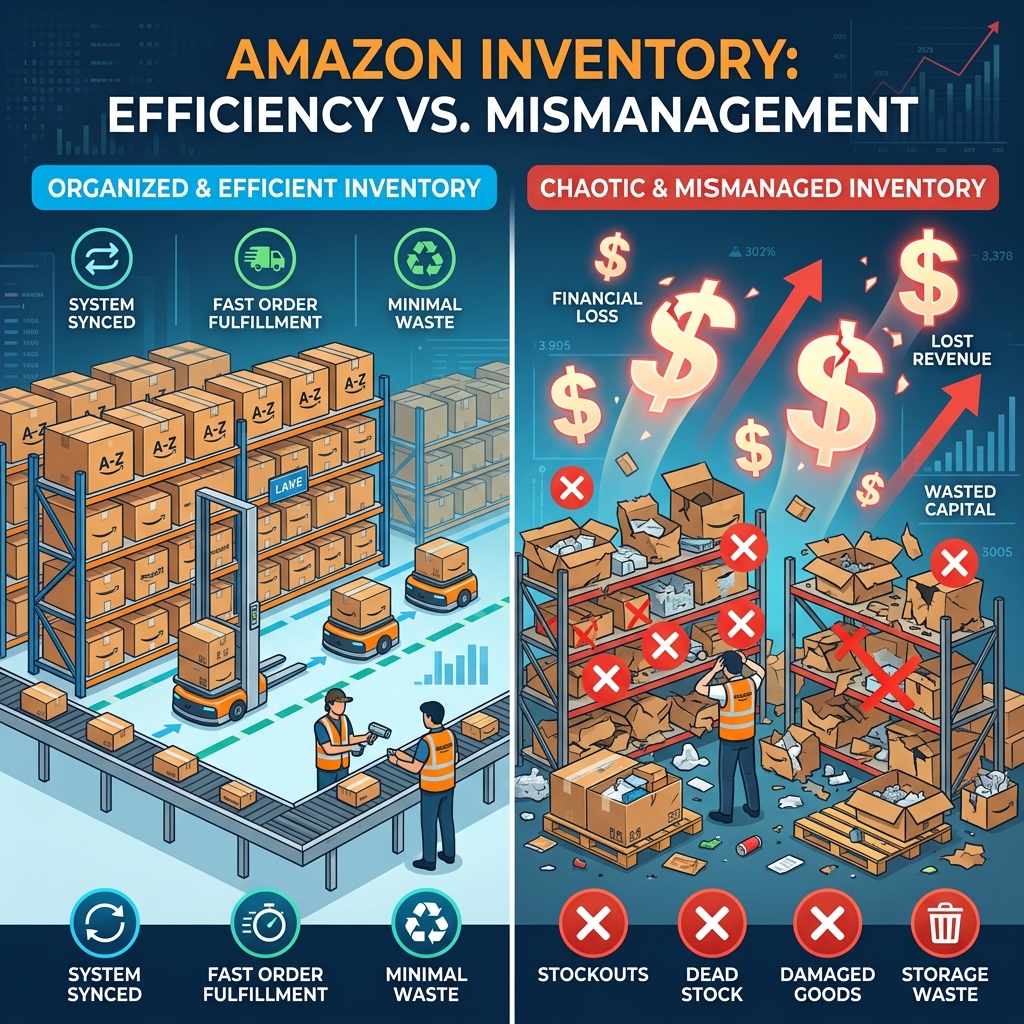
How overstocking, understocking, mislabeling, and ignoring your IPI score quietly drain FBA profit margins — and the fixes that stop the bleeding.
The costliest Amazon inventory mistakes almost always trace back to poor visibility: sellers don’t know how long stock has aged, don’t track their Inventory Performance Index (IPI) score, and don’t reconcile what Amazon says it received against what was actually shipped. The result is aged-inventory surcharges, storage overage fees, stranded listings, low-inventory-level fees, and lost reimbursements — all of which are avoidable with routine inventory audits and the right forecasting cadence.
Every unit a seller sends to Amazon starts a clock. From the moment it’s checked in at a fulfillment center, that unit is either moving toward a sale or quietly accumulating fees. Most sellers focus their attention on advertising cost and referral fees — the charges that show up clearly on every order. Far fewer sellers audit the slower-moving costs tied to how inventory is planned, shipped, and stored, even though those costs can rival or exceed ad spend once they compound over a full year.
This guide walks through the inventory mistakes that most reliably erode FBA margins, what each one actually costs, and the operational fix for each. It’s written for private-label sellers, aggregators, and brands running FBA at meaningful volume, but the principles apply just as well to smaller accounts trying to avoid the mistakes before they become expensive habits.
Unlike a traditional retail warehouse, Amazon’s fulfillment network charges for space by the day, penalizes both too much and too little stock, and ties your ability to send in new inventory to a performance score most sellers rarely check. That combination means an inventory mistake doesn’t just cost you the value of the goods — it can restrict how much you’re allowed to store going forward, which compounds the damage across every SKU in the catalog, not just the one that triggered it.
Industry guidance on inventory carrying costs generally puts the all-in cost of holding stock — capital tied up, storage, insurance, and shrinkage — at roughly 15% to 30% of the inventory’s value per year. On Amazon, that baseline carrying cost is layered on top of marketplace-specific charges: monthly cubic-foot storage fees, aged-inventory surcharges, low-inventory-level fees, and inbound defect fees. A seller who isn’t actively managing stock levels is effectively paying twice for the same mistake.
Buying in bulk to hit a better unit cost feels like good procurement — until that stock sits unsold. Amazon charges a standard monthly storage fee on every cubic foot in the warehouse, and once a unit crosses an age threshold, an additional aged-inventory surcharge stacks on top of it. Amazon has tightened this threshold over the past few years; where the surcharge historically didn’t begin until a unit had sat for 271 or even 365 days, 2026 fee updates from Amazon have pulled that trigger point earlier for many standard-size categories. Exact thresholds and per-cubic-foot rates change periodically and vary by category, so the only reliable number is whatever your account’s current Fee Preview report shows.
The math that matters isn’t the fee itself — it’s the ratio. Run the surcharge forward twelve months against the item’s liquidation value. If the annual carrying cost approaches half of what the unit is actually worth on clearance, it should have been pulled months earlier.
| Storage Charge | When It Applies | Why It Catches Sellers Off Guard |
|---|---|---|
| Monthly storage fee | Every unit, every month, billed per cubic foot | Rates roughly triple during Oct–Dec, so Q4 overstock is the most expensive kind |
| Aged-inventory surcharge | Stacks on top of storage once a unit passes Amazon’s current age threshold | Threshold has moved earlier in recent updates; many sellers still plan around the old 271-day rule |
| Storage utilization surcharge | When stored cubic footage is high relative to recent sales velocity | Penalizes slow sell-through even on inventory that isn’t technically “aged” yet |
| Low-inventory-level fee | When historical days-of-supply falls below Amazon’s minimum (commonly cited around 28 days) | The overstock and understock fees can both apply to the same SKU in different months |
Rates and thresholds change periodically — confirm current figures in Seller Central’s Fee Preview and Inventory Performance dashboards before budgeting against them.
The opposite mistake is just as costly, just less visible on a fee statement. A stockout doesn’t show up as a line-item charge — it shows up as lost organic ranking, a paused ad campaign, and a Buy Box that a competitor quietly picks up while your listing sits at zero units. Amazon’s low-inventory-level fee formalizes this: accounts with consistently thin days-of-supply relative to demand are charged an additional per-unit fee on top of standard fulfillment, on the logic that thin stock forces Amazon to redistribute inventory less efficiently across its network.
Understocking is often self-inflicted by sellers who over-correct after getting burned by an aged-inventory surcharge — pulling inventory levels down so aggressively that they swing straight into stockout risk.
A flat, trailing-30-day forecast is the single most common planning shortcut — and it fails predictably around every seasonal inflection point. Sellers who reorder based purely on last month’s velocity are structurally always one step behind: overordering right as a seasonal peak ends, and underordering right as the next one begins. Amazon’s own long lead times on inbound shipment scheduling make this worse, since a forecasting miss often can’t be corrected for several weeks.
Amazon assigns every FBA seller an IPI score, recalculated weekly on a 0–1,000 scale, based on excess inventory percentage, sell-through rate, in-stock rate, and stranded-inventory rate. Historically, scores that fall below a set threshold have triggered account-wide storage limits — meaning a handful of poorly managed SKUs can restrict how much of your best-selling SKU you’re allowed to store, at exactly the wrong moment. Amazon has adjusted the exact threshold and enforcement mechanics over time, so the number worth tracking isn’t a fixed industry rule of thumb — it’s whatever your account’s live IPI dashboard shows.
Amazon charges inbound defect fees and unplanned prep fees for shipments that arrive without correct labeling, poly-bagging, or barcode placement. Beyond the direct fee, a mislabeled or barcode-mismatched unit can get received into the wrong ASIN entirely, effectively vanishing from sellable inventory while showing up as a phantom overage somewhere else in the account.
Stranded inventory is stock that’s physically in an Amazon warehouse but not attached to an active, buyable listing — usually because of a suppressed listing, a category approval issue, or a broken ASIN relationship. It’s arguably the purest form of wasted spend on Amazon: full storage fees accruing on units that can’t generate a single sale until the listing issue is resolved.
Every new variation, bundle, or multi-pack is a new forecasting problem, not just a new listing. Sellers who launch variations freely without retiring underperformers end up splitting demand across too many SKUs, which drags down sell-through rate on each one individually — directly hurting the IPI score even when total unit sales are healthy.
Units get lost in transit, damaged in the warehouse, or miscounted during receiving more often than most sellers assume — and Amazon doesn’t proactively reimburse every discrepancy. Sellers who never reconcile units shipped against units received, and units received against units later sold or returned, routinely leave legitimate reimbursements unclaimed simply because no one ever ran the comparison.
Sellers running both Fulfilled by Amazon and Fulfilled by Merchant (or a separate DTC channel) sometimes plan each pool of stock independently, with no shared visibility. That disconnect leads to double-ordering, uneven allocation between channels, and — in the worst case — one channel stocking out while the other sits on excess inventory of the exact same SKU.
None of these mistakes are catastrophic in isolation. The damage comes from compounding: a forecasting miss creates overstock, overstock triggers an aged-inventory surcharge, the surcharge erodes the margin on a whole batch, and the resulting cash-flow squeeze forces a rushed reorder that repeats the cycle on the next SKU. Brands that get inventory management right treat it as a recurring operational process — weekly and monthly reviews — rather than a reactive fire drill triggered by a surprise fee on the monthly statement.
Manually running weekly IPI checks, monthly age reports, and reimbursement reconciliations across a large catalog is exactly the kind of repetitive, data-heavy workflow that’s expensive to do by hand and easy to automate well.
HighDreamsLLC builds the automation and AI systems that keep Amazon inventory data visible, current, and actionable — before a fee statement tells you something went wrong.
Forecasting demand off a flat trailing-30-day sales average instead of a seasonally adjusted trend. It’s the root cause behind most overstock and stockout situations that follow.
Amazon charges a standard monthly storage fee on all FBA inventory, and adds an extra surcharge once a unit has sat in a fulfillment center past a set age threshold. That threshold and the associated rates have moved earlier and changed in recent Amazon fee updates, so sellers should confirm current numbers in their Fee Preview report rather than relying on older published figures.
The Inventory Performance Index is a 0–1,000 score Amazon recalculates weekly based on excess inventory, sell-through rate, in-stock rate, and stranded-inventory rate. A low score can trigger account-wide storage limits, which restrict how much of every SKU you’re allowed to store — not just the SKU causing the problem.
Stock that’s physically stored in an Amazon fulfillment center but isn’t attached to an active, buyable listing, often due to a suppressed listing or category approval issue. It continues to accrue storage fees while generating zero sales until the underlying listing problem is fixed.
At minimum, weekly for stranded inventory and stock-level checks, and monthly for aged-inventory review, reimbursement reconciliation, and forecast updates. Larger catalogs benefit from automating this cadence rather than running it manually.