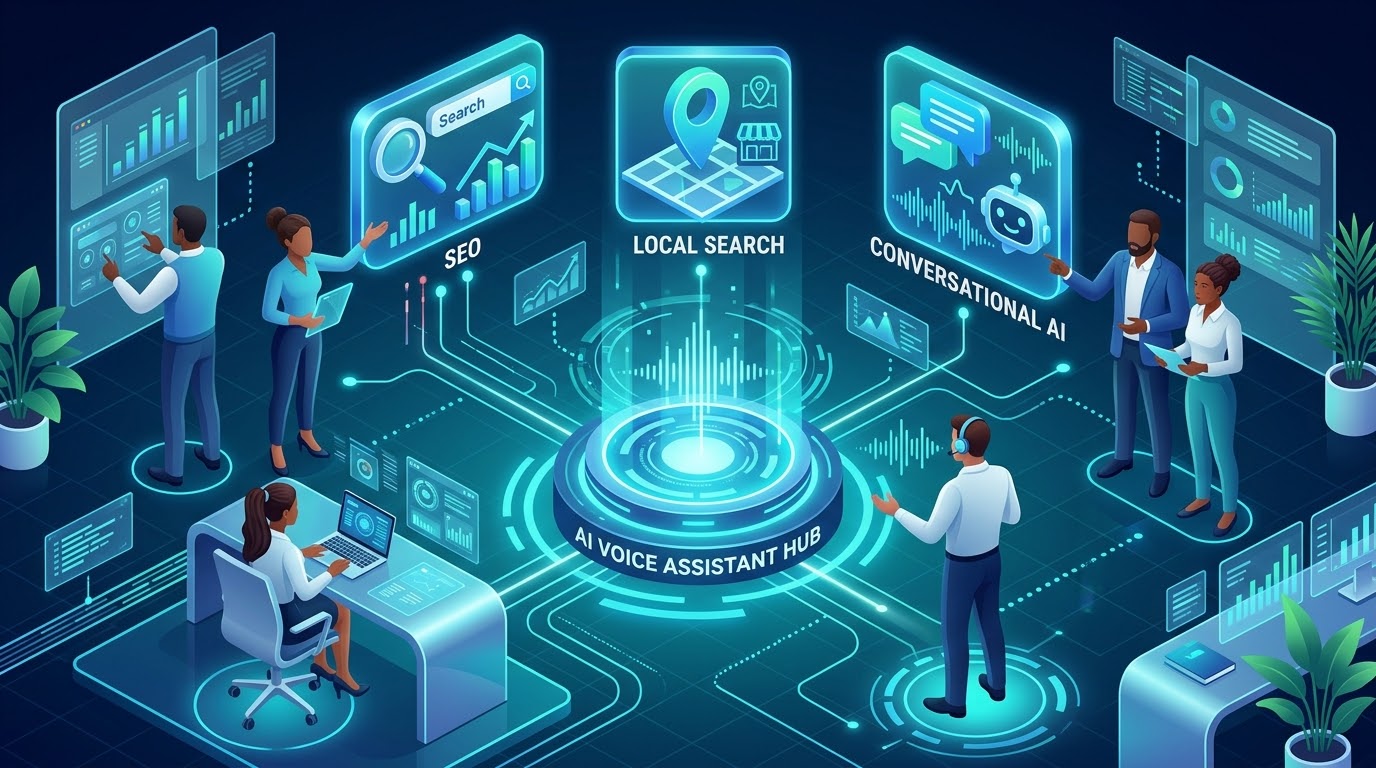
People now ask phones, cars, speakers and AI assistants for answers in plain spoken language: “Who’s open near me right now?” or “What’s the best way to return a package?” If your business is not the one that gets read back, you lose the customer before they ever see a website. This guide explains how to optimize your business for voice search in 2026, with practical steps that work whether the question comes from a smart speaker, a phone or an AI assistant.
To optimize for voice search, answer real spoken questions in clear, direct language; keep your business listings accurate and consistent across Google, Apple and Bing; add structured data where it fits; make your site fast and mobile-friendly; and earn reviews. Voice assistants tend to choose sources that are trusted, specific and easy to read aloud. No one can guarantee a voice answer, but these fundamentals improve your odds across assistants and AI search tools.
Classic voice search meant asking a speaker or phone one question and hearing one answer. Today, the same behavior increasingly runs through AI-powered assistants that summarize information from several sources and let people ask follow-ups. Product names and capabilities keep changing, so rather than chase each platform, focus on the common ground: assistants reward accurate data, clear answers and trusted sources.
“Write the answer the way a helpful person would say it out loud.”
| Aspect | Typed example | Spoken example |
|---|---|---|
| Length | “plumber Denver” | “Who is a good plumber near me that can come today?” |
| Format | Keywords | Full questions (who, what, where, how) |
| Intent | Research or browsing | Immediate need, often local |
| Result | List of links | One short answer or a few options read aloud |
Start with real language. Review call logs, chat transcripts, emails, reviews and your site’s search queries. Add questions from Google’s “People also ask” boxes and from Search Console’s query reports. Group them by stage: “Do you offer…?”, “How much does…?”, “Where is…?”
For each question, place a short, plain-language answer (a sentence or two) directly under a heading phrased like the question. Then expand with detail. This format is easy for both people and machines to extract. Avoid jargon and keep sentences easy to read aloud.
Many voice searches are about nearby businesses. Make sure your name, address, phone number, hours and categories are identical everywhere. At minimum, claim and complete your Google Business Profile, Apple Business Connect listing and Bing Places. Different assistants draw on different data sources, so consistency across all of them is the safest approach. Update holiday hours and special closures promptly.
Use LocalBusiness markup for your location details and FAQPage markup for real Q&A content. Structured data helps machines interpret your pages, but it does not guarantee a voice answer or a rich result, and search engines change how they display it. Check Google Search Central for current guidance, including the status of speakable markup, which has had limited availability.
Voice searchers are often on the go, so slow or clunky pages lose them. Use HTTPS, compress images, and test with PageSpeed Insights. A clean site built with solid web development practices gives every other step something strong to stand on.
Assistants often surface businesses with strong, recent reviews. Ask satisfied customers for feedback, and reply to reviews professionally. Specific reviews that mention services and neighborhoods also reinforce relevance.
Include natural question phrases in headings and body copy, but do not stuff keywords. If a sentence would sound strange read aloud, rewrite it.
Finding you is only half the journey. Pair voice search work with an AI voice agent to answer calls and book appointments, and an AI chatbot on your site to answer the same questions in text.
You cannot easily isolate “voice” traffic, so track proxies: growth in question-style queries, local actions (calls, direction requests, bookings), and visibility for your target questions. Review quarterly and update content as assistants and your customers evolve.
| Assistant ecosystem | Commonly associated data sources | What to do |
|---|---|---|
| Google (Assistant, Gemini) | Google Search index, Business Profile | Complete your profile; publish clear, crawlable answers |
| Apple (Siri) | Apple Maps and Apple business data | Claim your Apple Business Connect listing |
| Amazon (Alexa) | Bing and other partner data sources | Maintain Bing Places and consistent listings |
| AI answer engines | Web content, reviews, structured data | Publish accurate, well-organized, citable pages |
Data sources are generalizations and platform partnerships change. Verify current details with each provider.
HighDreamsLLC is a Colorado-based AI and digital growth agency. We build AI voice agents and chatbots, automate workflows, develop websites and apps, create SEO content and manage e-commerce across major marketplaces. We can help you get found by voice search and then convert those customers with fast, helpful automation.
Voice search optimization is the practice of making your content, business listings and site technically ready so that voice assistants and AI answer tools can find, understand and speak your information when people ask questions out loud.
Voice queries tend to be longer, more conversational and more often phrased as full questions or local requests, such as asking which business is open now nearby, instead of typing a short keyword phrase.
Yes. Many voice queries have local intent, and assistants draw on business listing data such as hours, address and category. Accurate, consistent listings are one of the most practical foundations for local voice visibility.
There is no single required markup. Structured data such as LocalBusiness and FAQPage helps machines understand your content, but it does not guarantee voice answers. Google’s speakable markup has been limited in scope, so check current documentation before relying on it.
It complements it. Voice search helps people find you; an AI voice agent or chatbot can then answer their questions, take bookings and capture leads when they call or visit your site.
Voice search rewards businesses that are easy to understand and easy to trust. Collect real customer questions, answer them directly, keep your listings consistent, and keep your site fast. Then make sure someone, or something, is ready to help when the customer reaches out. Start with your Google, Apple and Bing listings this week, and build from there.
Sources and further reading: Google Search Central, Google Business Profile, Apple Business Connect, Bing Places, Schema.org. Platform features and guidance change often; verify details with the original providers.