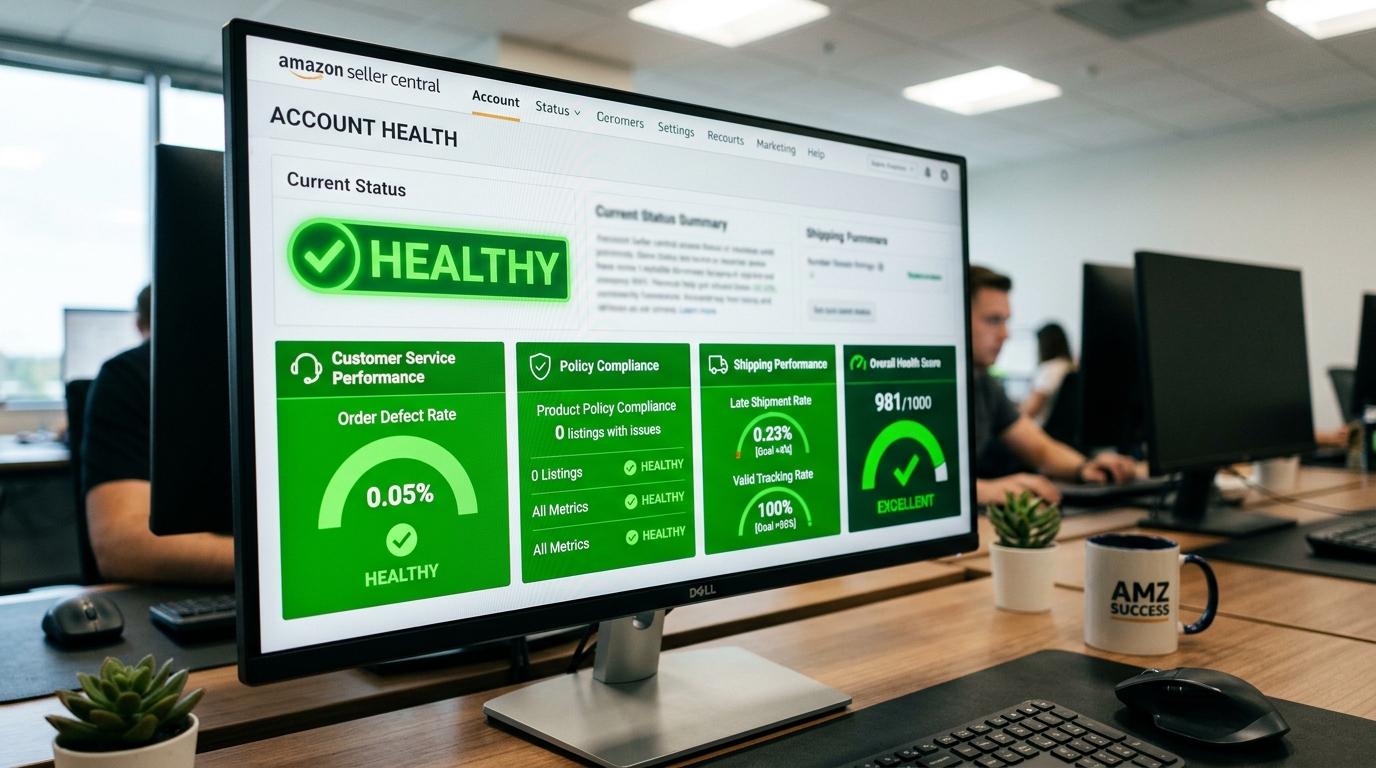
Most new Amazon sellers find out what Account Health means the hard way — a single email in Seller Central, a listing suddenly suppressed, or worse, a full account deactivation over something that felt like a minor shipping delay. The frustrating part is that Account Health isn’t a mystery Amazon keeps hidden; it’s a published dashboard with published thresholds. The sellers who get blindsided are almost always the ones who never checked it until something already went wrong — and for new sellers specifically, the math behind those thresholds is stacked against low order volume in a way that’s worth understanding before it costs you a listing.
Amazon’s Account Health Rating (AHR) is a 0–1,000 score that starts every new seller at 200. Scores of 200 or above are “Healthy,” 100–199 are “At Risk,” and below 100 puts an account at risk of deactivation. The single most consequential metric is Order Defect Rate (ODR) — Amazon’s published cliff is 1%, but its early-warning system flags accounts at 0.8%, and experienced sellers stay well under 0.3%. Sellers who maintain an AHR of 250 or higher for at least six months can qualify for Account Health Assurance, a program that removes automatic deactivation risk as long as they keep working with Amazon to resolve issues.
The Account Health Rating is a single, near-real-time score, from 0 to 1,000, that Amazon uses to represent an account’s overall risk of deactivation. Every new seller starts at 200. Amazon groups the score into three tiers: 200 to 1,000 is “Healthy,” 100 to 199 is “At Risk” and needs immediate attention, and below 100 is “Unhealthy,” meaning the account is eligible for deactivation. The score moves based on compliance with more than a dozen Amazon policies, plus a set of performance metrics tracked over rolling time windows — which means a single bad stretch can move the number faster than most new sellers expect.
This category is driven primarily by Order Defect Rate (ODR) — the percentage of orders with negative feedback (1 or 2 stars), an A-to-z Guarantee claim filed against you (whether granted or not), or a credit card chargeback, divided by total orders in the period. Amazon’s published threshold is 1%, but that number is closer to a cliff edge than a target: the early-warning system flags accounts at 0.8% ODR, and sellers with consistently strong accounts typically keep theirs under 0.3%.
This section applies mainly to merchant-fulfilled (FBM) orders, since Amazon manages fulfillment metrics directly for FBA. It tracks Late Shipment Rate, Pre-Fulfillment Cancel Rate (orders you cancel before shipping), Valid Tracking Rate, and On-Time Delivery. Amazon has tightened on-time delivery requirements for Prime-eligible sellers periodically, most recently in early 2026, so FBM sellers offering Prime shipping should treat this section as a moving target rather than a fixed rule.
More than a dozen of Amazon’s selling policies feed directly into the AHR. Violations here are categorized by severity — a Critical violation can drop the score sharply and immediately, while Low-severity issues have a smaller, more gradual impact. When a violation appears, sorting by AHR impact in the dashboard helps prioritize which one to resolve first.
| Metric | Amazon’s Published Threshold | Realistic Safety Target |
|---|---|---|
| Order Defect Rate (ODR) | 1% (suspension risk) | Below 0.3% |
| Account Health Rating | 200 (“Healthy”) | 250+ (Account Health Assurance eligible) |
| Late Shipment Rate (FBM) | Amazon-set target, varies by category | As close to 0% as operationally possible |
ODR and most other Account Health metrics are percentages, and percentages punish low volume brutally. One A-to-z claim against ten total orders is a 10% defect rate — ten times over the suspension threshold. The exact same claim against a thousand orders is 0.1%, comfortably safe. New sellers, and anyone with genuinely low order volume, are one bad order away from a metric spike that would barely register on an established account. That’s not a reason to panic over every single order, but it is a reason to respond immediately to any negative feedback, chargeback, or claim while your order count is still small enough that one mistake can move the number.
Amazon’s own Account Health Assurance (AHA) program is worth building toward deliberately. Per Amazon’s official program terms, professional sellers in the US and Canada stores who maintain an AHR of 250 or higher for at least six months — allowing no more than 10 days during that period where the score dropped below 250 — and who keep a valid emergency contact number on file, qualify for enrollment. Once enrolled, Amazon will not deactivate the account over a policy violation as long as the seller works with Amazon within a 72-hour window to resolve the issue. That’s a meaningfully different risk profile than the standard account, where a violation can trigger deactivation directly — which is exactly why building a buffer well above the bare 200 “Healthy” line, rather than treating 200 as good enough, is worth the deliberate effort.
Amazon has confirmed that AHR is one of the signals factored into Buy Box eligibility calculations. A seller with strong pricing and fulfillment metrics but a weak AHR can still see a reduced Buy Box win rate — meaning account health isn’t purely a suspension-avoidance exercise, it’s tied directly to visibility and revenue even for accounts that are technically still “Healthy.”
Account Health isn’t a set-it-and-forget-it dashboard — it needs consistent monitoring and a fast, correct response when something goes wrong. High Dreams LLC manages this as an ongoing part of full-service Amazon account management, not an afterthought.
Dashboard checks and metric tracking built into ongoing account management, so issues get caught before they compound.
Plans of Action drafted to address root causes, not just symptoms, reducing the risk of a rejected appeal.
Proactive work toward Account Health Assurance eligibility, not just avoiding the suspension line.
Explore related services: full e-commerce management for Amazon, Etsy, Walmart, and eBay sellers, and AI workflow agents for automating account monitoring tasks.
Get a free consultation and Account Health audit to catch risk factors before they turn into a suspension.
Get Hired View Our ServicesWhat Account Health Rating is considered safe for a new seller?
200 or above is Amazon’s official “Healthy” threshold, but treating 200 as a safe cushion is a common new-seller mistake. Building toward 250 or higher, which also qualifies an account for Account Health Assurance, is a more realistic safety target.
What is Order Defect Rate and why does it matter so much?
ODR combines negative feedback, A-to-z Guarantee claims, and chargebacks into a single percentage of total orders. Amazon’s published suspension threshold is 1%, but its early-warning system flags accounts at 0.8%, and it’s the single metric most likely to trigger suspension on its own.
Why is Account Health riskier for new sellers specifically?
Most Account Health metrics are percentages, and percentages are far more volatile at low order volume. A single defect against ten orders creates a 10% rate, while the same defect against a thousand orders is only 0.1% — meaning new sellers can trip a threshold with far fewer actual problems than an established seller.
What is Account Health Assurance and how do you qualify?
Account Health Assurance is an Amazon program, available to professional sellers in the US and Canada, that prevents automatic account deactivation as long as the seller works with Amazon to resolve issues within 72 hours. To qualify, an account needs an AHR of 250 or higher for at least six months, with no more than 10 days below 250 during that window, and a valid emergency contact number on file.
Does Account Health Rating affect the Buy Box?
Yes. Amazon has confirmed that AHR is one of the signals factored into Buy Box eligibility, meaning a weak Account Health score can reduce Buy Box win rates even when pricing and fulfillment performance are otherwise competitive.
Sources: Amazon Seller Central, “Account Health Assurance helps you address issues without account deactivation” (official program announcement) · Feedvisor, “Amazon Seller Rating 2026: Account Health & Metrics Guide” · Repricer, “Amazon Account Health – An FBA Seller’s Guide (2026)” · Enso Brands, “Amazon Account Health Rating: The Complete Seller Guide for 2026” · Keywords.am, “Amazon Account Health: Metrics, Warnings, and Appeals” · Evolve Media Agency, “Amazon Account Health: Prevent Suspension (2026 Guide)” · anata inc., “Amazon Account Health Rating: What It Actually Measures and How to Protect It” · JumpFly, “The Ins and Outs of Amazon Account Health Ratings.”